A little gratitude, every day
Keep the
good bits.
A private gratitude journal for iPhone. One small question each evening, and one line to answer it. A kind word, a good coffee, someone who helped. That is the whole habit.
Coming soon to the App Store
For iPhone · iOS 17 or later
No account. No ads. Just your words.
1 The evening question
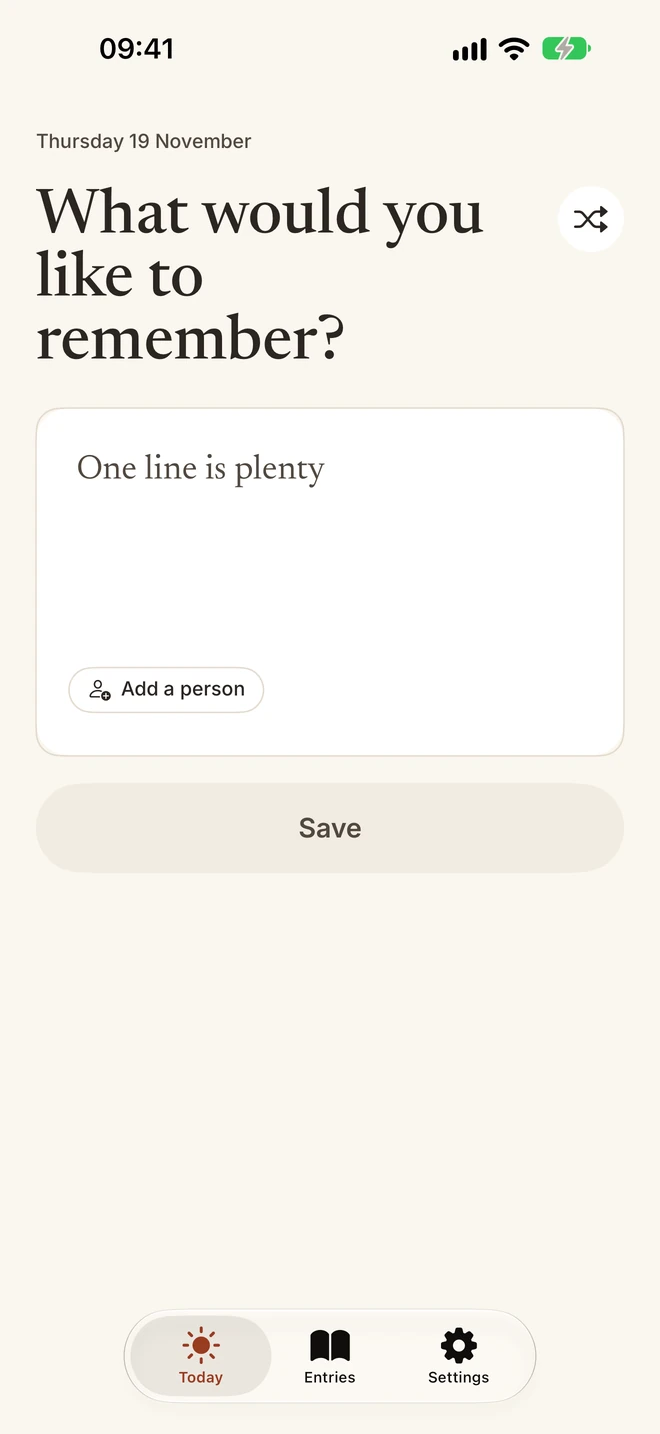
One small question.
Just one.
Each day Thanklet asks something different, like What would you like to remember? If it does not fit the day, tap shuffle for another.
Pick a reminder time that suits you, if you want one. A blank page is hard. A small question is not.
2 One line
One line
is plenty.
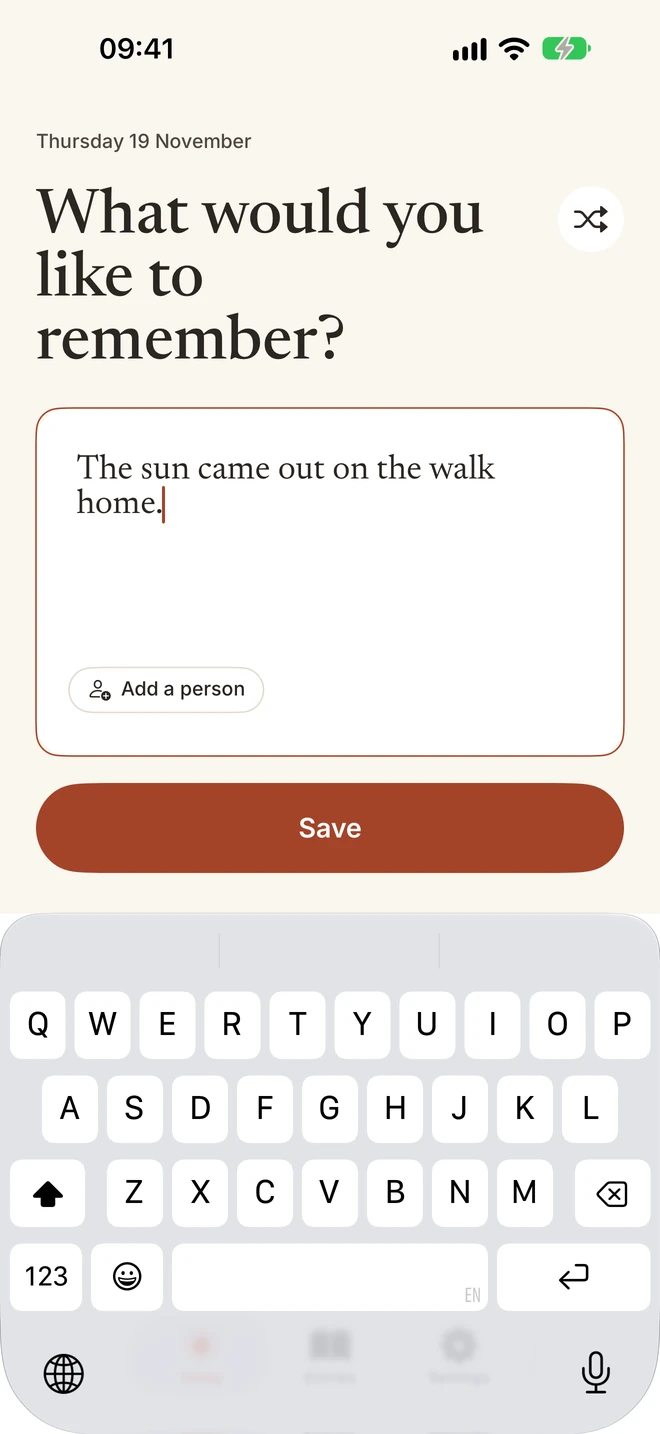
Write one line of text, as short as you like. That is the whole entry.
Short enough for the busy days, too.
The sun came out on the walk home.
3 A person, if you like
Add the person
who made it.
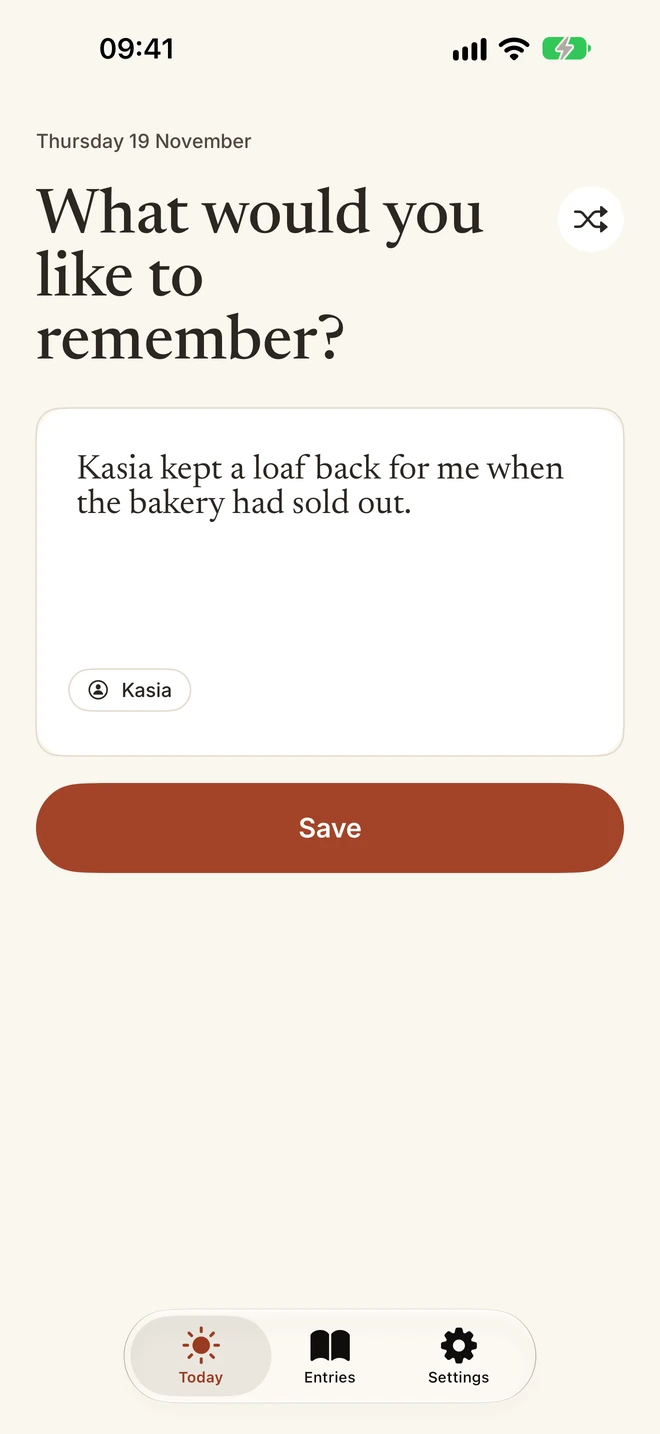
If the line is about someone, add their name. It stays with the line, and comes out with it when you export.
A name is never required. A coffee, a walk or a song is reason enough.
4 Every line, kept
A little collection
that grows.
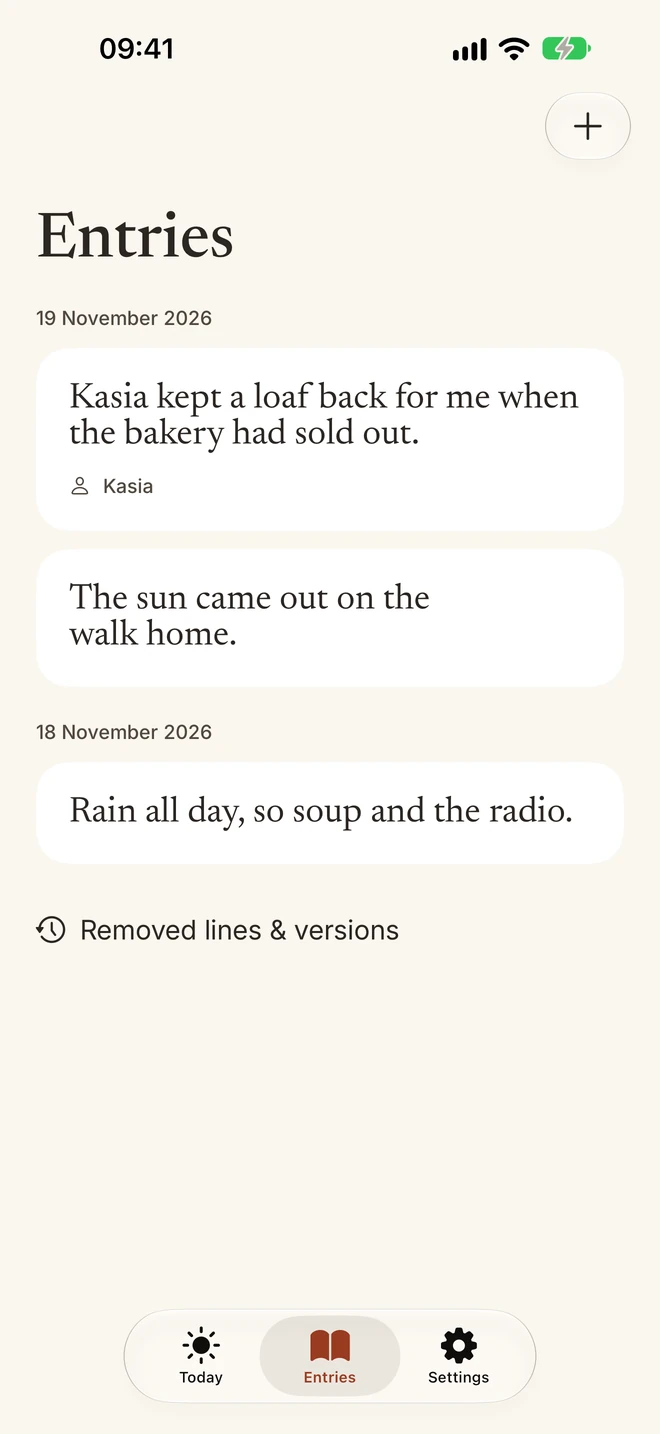
Every line sits in Entries, newest first, with its date. Missed a day? Write for an earlier one. There is no catching-up deadline.
Edit or remove a line and the earlier version is kept. Removed lines & versions shows them.
Let the good bits
find you again.
Two extras, if you want a little more. Writing, every entry, iCloud copies and export stay free.
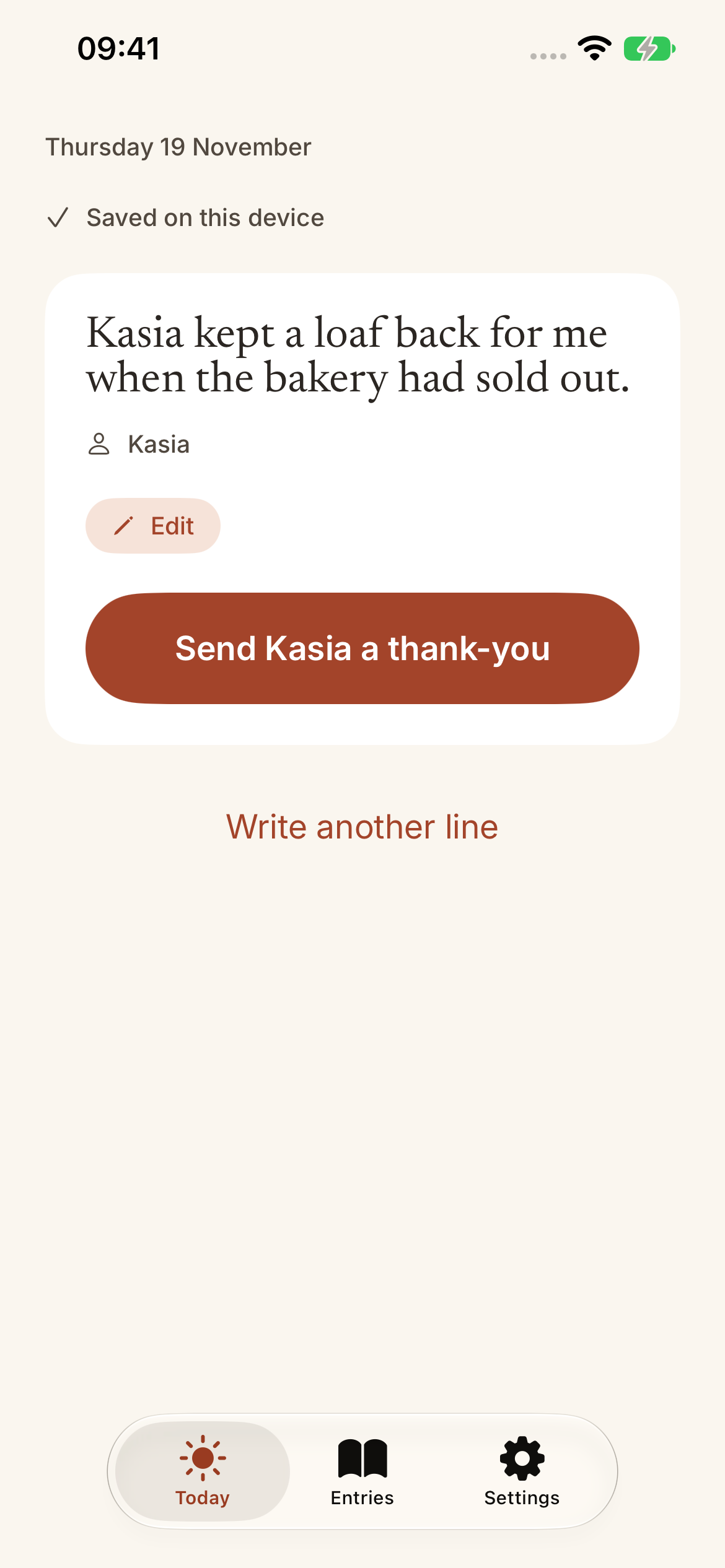
5 A thank-you, from your line
Turn a good moment
into a thank-you.
For a line about someone, Thanklet drafts a short thank-you from your own words. Change anything you like.
Then send it yourself, from Messages, Mail or any app you choose.
Part of Thanklet Pro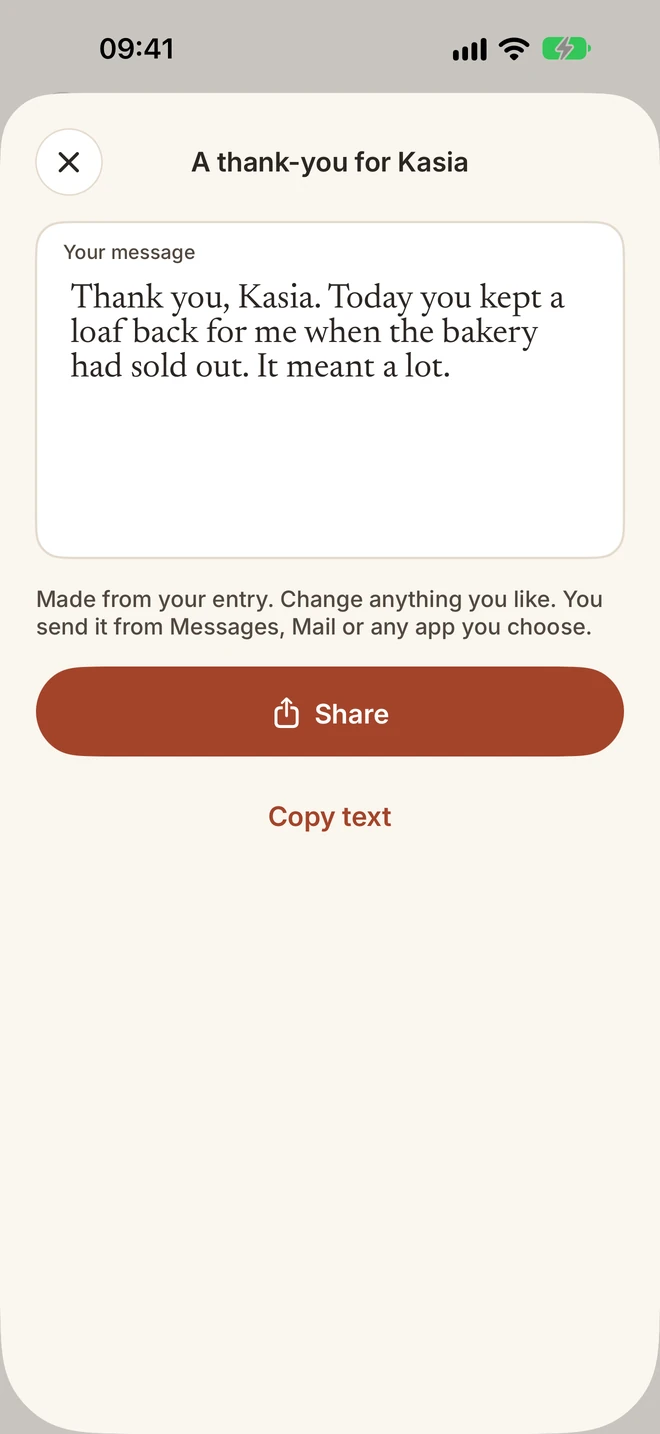
6 On your Lock Screen and Home Screen
An old line,
when you least expect it.
Add the Thanklet widget and a line from an earlier day turns up on your Home Screen or Lock Screen, with its date.
A small reminder of a good day, without opening the app.
Part of Thanklet Pro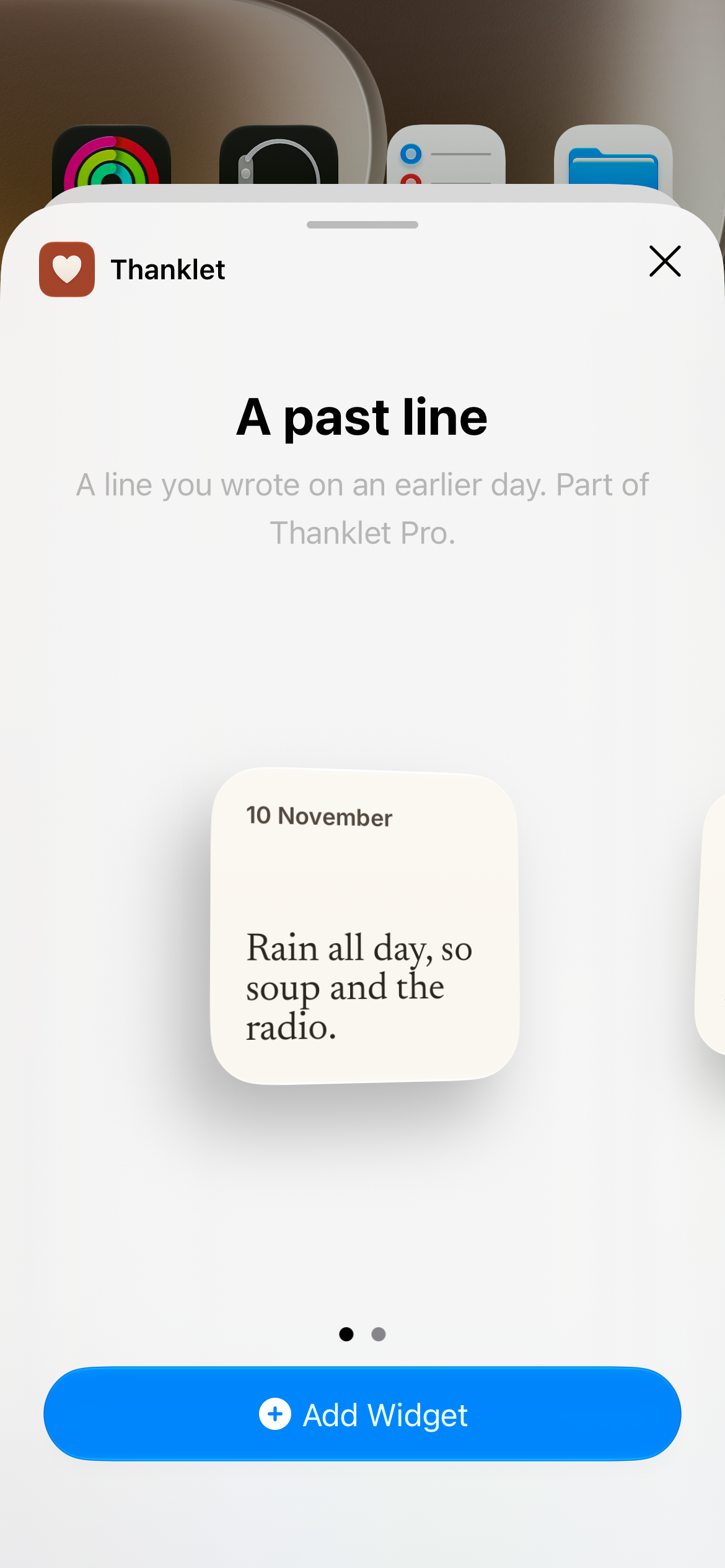
Private by design
Yours to keep.
Nobody else's.
Thanklet has no account and no server of its own. Your lines stay on your iPhone and, if you switch it on, in your own iCloud. We do not receive your journal.
How Thanklet keeps things private
On your iPhone
Every line is saved on your iPhone first, with its date.
In your own iCloud
Switch on Keep a copy in my iCloud, so your lines can come back on a new phone.
Out, whenever you like
Export every line as plain text or a spreadsheet file, with the person if you added one.
No streaks. No account. No ads.
Miss a day and nothing breaks. Write for it later, or let it go.
No sign in and no account to make. Thanklet collects no data.
Free, for good.
Pro if you want more.
Writing, every entry, iCloud copies and export stay free. Pro adds two extras on top.
Free, for good
Everything you need to keep the good bits
- A small question each day, with shuffle
- Every line, with a person if you like
- A reminder at the time you choose
- Copies in your own iCloud
- Export as plain text or CSV
Thanklet Pro adds
Ways for the good bits to find you again
- A line from an earlier day on your Lock Screen and Home Screen
- A thank-you drafted from a line about someone, sent by you
One line tonight.
Good bits for years.
Coming soon to the App Store
For iPhone · iOS 17 or later